Kubernetes as Reverse Proxy to Other VMs
January 6, 2025Intro
I am having IPv4 problems. Always! So, in my previous blog post, I wrote about how to cheaply get an extra IPv4 address routed to your home network. I have done that, and I am using that IPv4 address for my Gateway API. However, I also still have a reverse proxy running on a separate VM to route all HTTP/HTTPS traffic to several virtual machines, as well as Kubernetes.
I wanted to replace that reverse proxy for years, and now I want to run everything in Kubernetes. However, I still need a solution to route HTTP/HTTPS traffic to another virtual machine or IP address when required. Since I had some time off during Christmas, I crafted a very neat solution.
The Solution
It is basically very simple. I already had an Ingress controller running on my Kubernetes cluster. The plan is to NAT that traffic to my Ingress controller’s LoadBalancer, which I used in combination with MetalLB. After that, I create a Service object, but I don’t have a Deployment to route that traffic from the Service to the pods. Fortunately, there is a solution for that! You can create a manual Endpoint. I came up with the following solution:
kind: Service
apiVersion: v1
metadata:
 name: radarr
spec:
 ports:
 - port: 80
   targetPort: 7878
---
kind: Endpoints
apiVersion: v1
metadata:
 name: radarr
subsets:
 - addresses:
     - ip: 10.100.2.254
   ports:
     - port: 7878
---
apiVersion: networking.k8s.io/v1
kind: Ingress
metadata:
  name: radarr-ingress
  annotations:
    cert-manager.io/cluster-issuer: letsencrypt-prod-httpchallenge
    nginx.ingress.kubernetes.io/ssl-passthrough: "true"
    nginx.ingress.kubernetes.io/force-ssl-redirect: "true"

spec:
  ingressClassName: nginx-external
  rules:
  - host: radarr.k8s.domain.tld
    http:
      paths:
      - path: /
        pathType: Prefix
        backend:
          service:
            name: radarr
            port:
              number: 80
  tls:
  - hosts:
    - radarr.k8s.domain.tld
    secretName: radarr-secret
Some explaining
By specifying the service with a port 80 and a targetPort of 7878, I create a basic service object. Then, by manually creating the Endpoints object, I instruct the Endpoint with the subsets directive to point to the specific IP address and port. Next, I create an Ingress object and point it to the service.
Because of the matching names between the Service and the Endpoints object, Kubernetes can match the service to the endpoint.
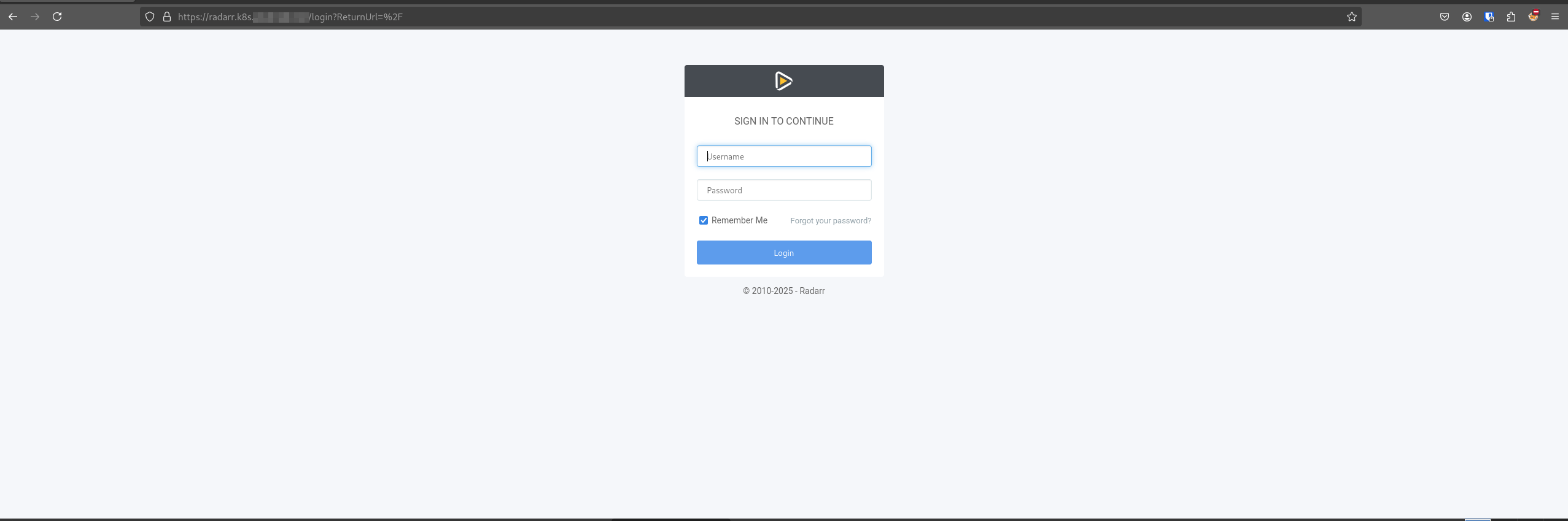
After that, cert-manager kicks in, creates a certificate for my hostname, and everything works perfectly :-).
Conclusion
This was just a test. I am now in the midst of migrating everything from my plain old NGINX proxy to Kubernetes. After that, I can decommission my virtual machine and still have some virtual machines running services that I don’t want to run in Kubernetes. For example, I personally want my arr-stack on a separate virtual machine.
